

HP 150 Wireless Mouse – Overview
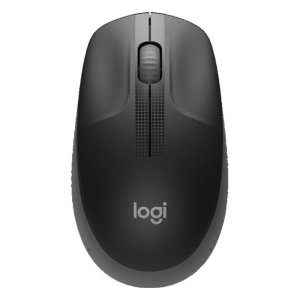
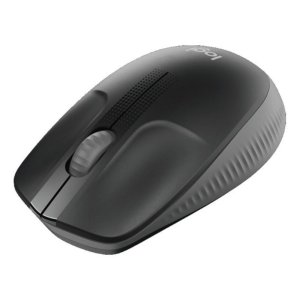
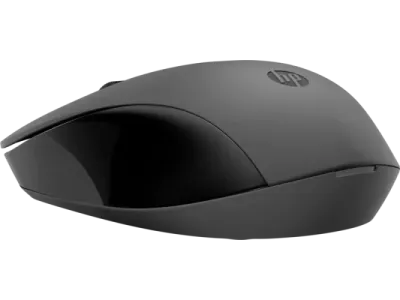
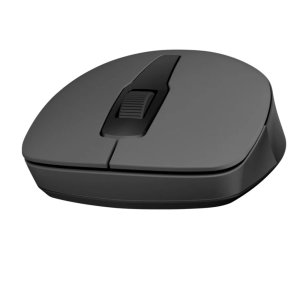
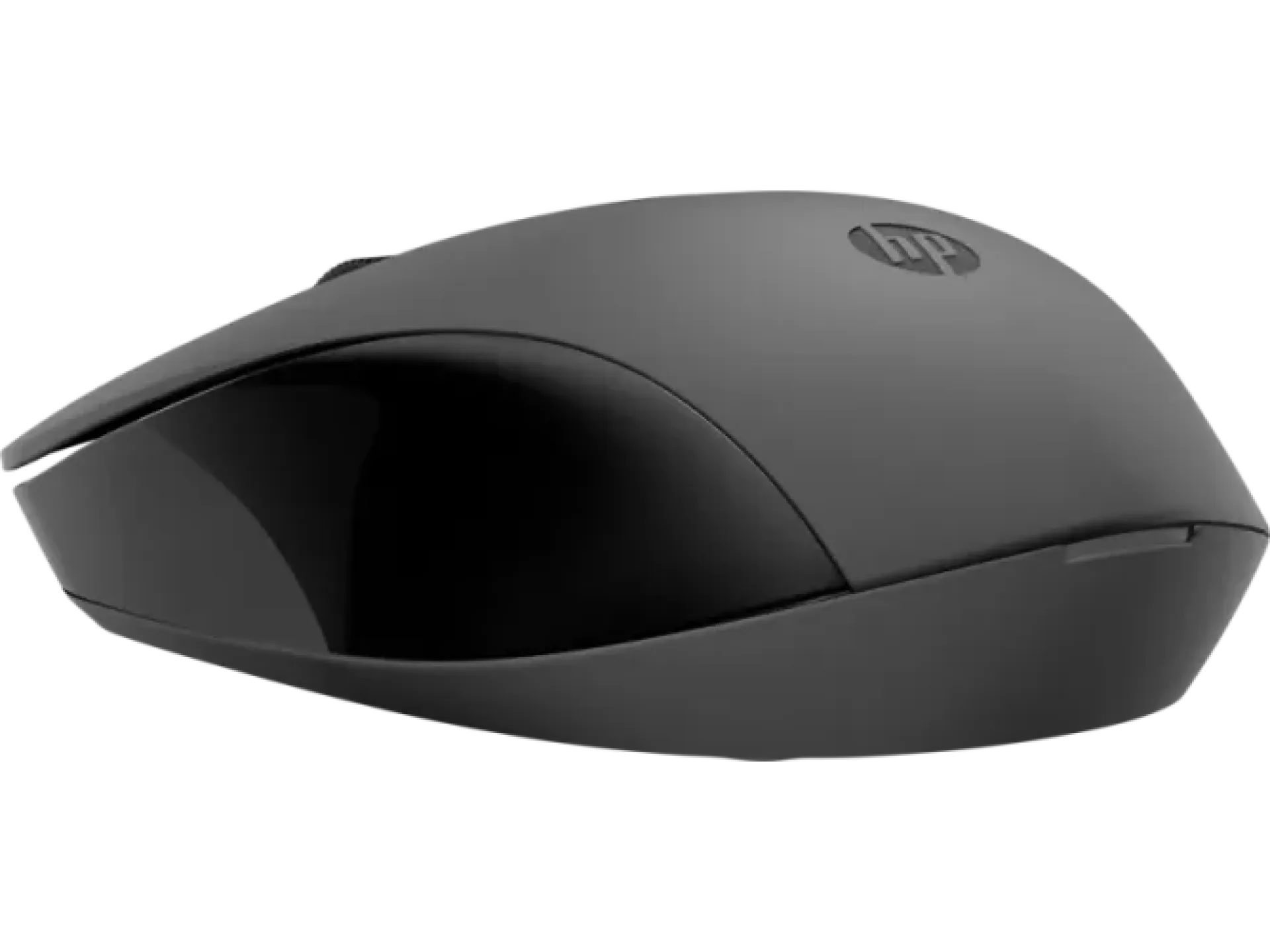
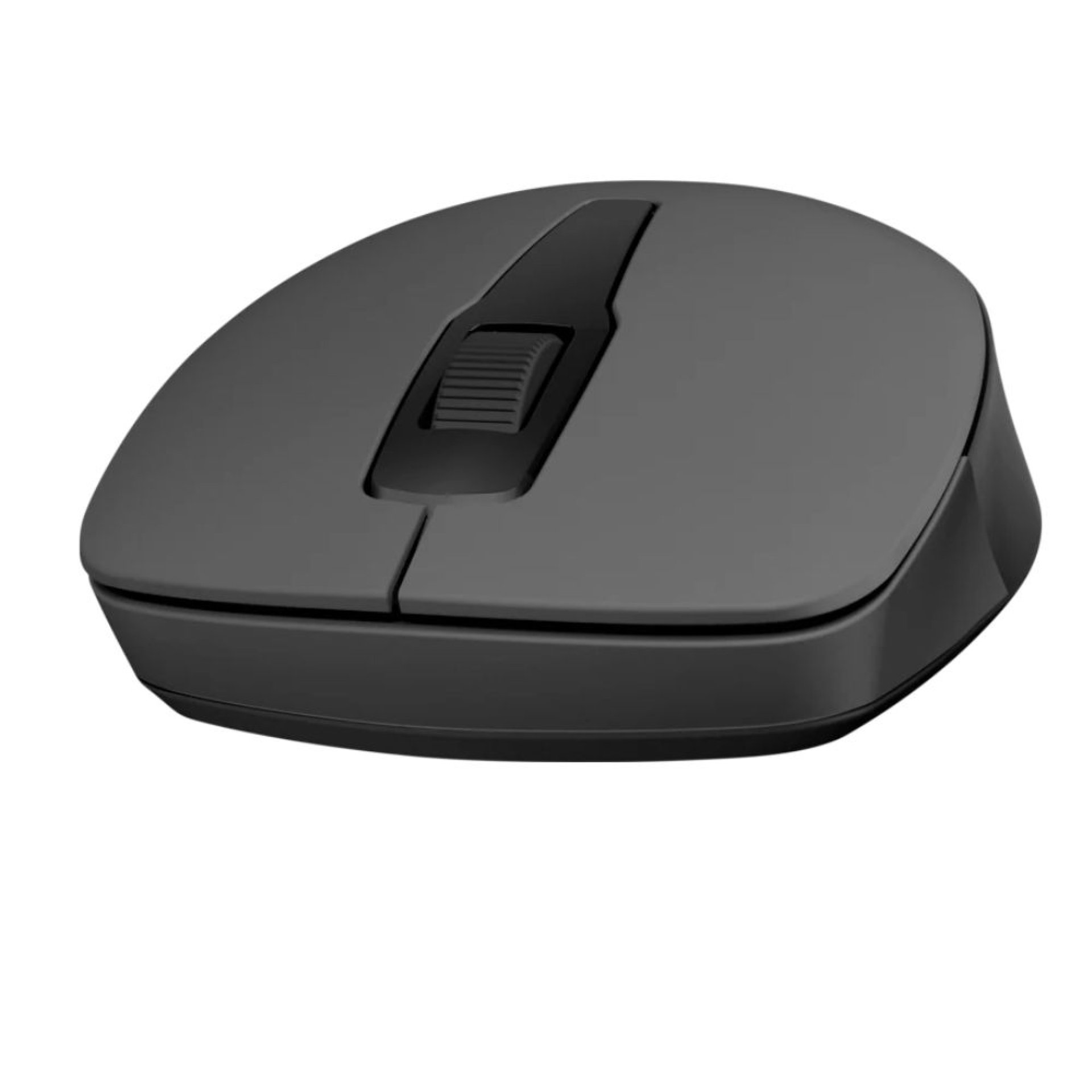
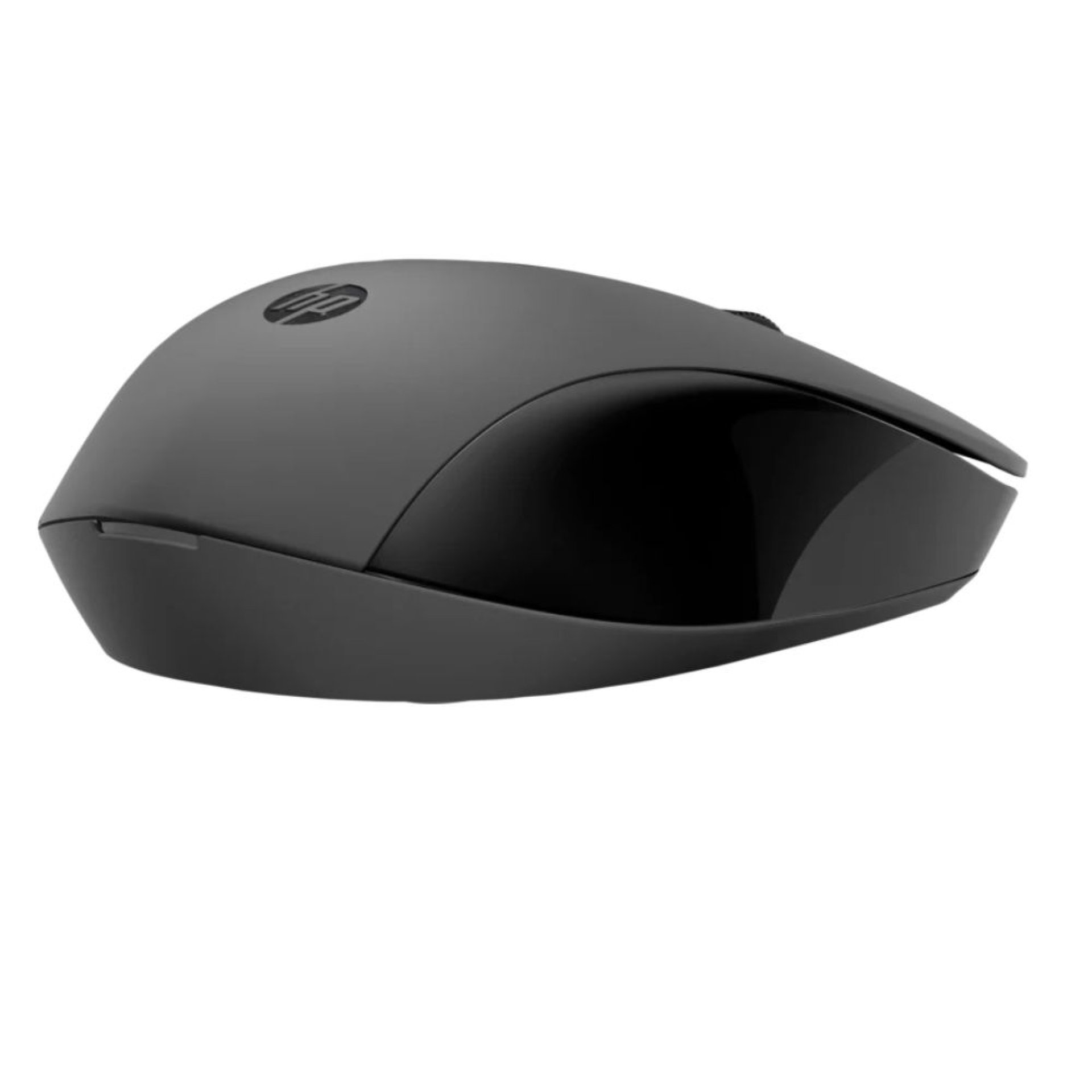
The HP 150 Wireless Mouse is a simple, reliable, and portable wireless mouse designed for everyday productivity. It offers smooth tracking, easy plug-and-play connectivity, and a comfortable ambidextrous design, making it suitable for office work, home use, and travel.
HP 150 Wireless Mouse – Key Features
- 2.4GHz wireless connectivity for stable performance
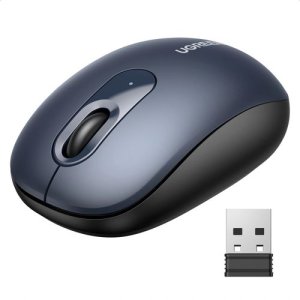
- USB nano receiver for plug-and-play setup
- Comfortable ambidextrous design for left and right-handed users
- Smooth optical tracking for accurate cursor control
- Lightweight and portable build for travel use
- Long battery life for extended usage
- Compatible with Windows, macOS, and Linux systems
- Simple design suitable for office and home environments
- Reliable performance for everyday tasks
- No software installation required
HP 150 Wireless Mouse – Price in Kenya
| Product | Price in Kenya |
|---|---|
| HP 150 Wireless Mouse | KSh 1,200 – KSh 2,500 |
HP 150 Wireless Mouse – Specification Table
| Specification | Details |
|---|---|
| Product | HP 150 Wireless Mouse |
| Connectivity | 2.4GHz Wireless |
| Interface | USB Nano Receiver |
| Sensor Type | Optical |
| DPI | Up to 1600 DPI (varies by model) |
| Buttons | 3 Buttons (Left, Right, Scroll) |
| Design | Ambidextrous |
| Power | AA Battery |
| Compatibility | Windows, macOS, Linux |
| Color | Black |
HP 150 Wireless Mouse – Performance and Productivity
- Provides smooth and responsive cursor control
- Reliable wireless connection with minimal lag
- Ideal for office tasks like browsing and document editing
- Energy-efficient design for long battery life
- Works well on most desk surfaces
- Suitable for both casual and professional use
HP 150 Wireless Mouse – Design and Build
- Compact and lightweight for portability
- Ergonomic shape for comfortable daily use
- Ambidextrous design suitable for all users
- Durable plastic build for long-term use
- Simple and clean professional appearance
- Easy to carry in laptop bags
HP 150 Wireless Mouse – Connectivity and Compatibility
- Plug-and-play USB nano receiver
- Works with laptops and desktop PCs
- Compatible with Windows operating systems
- Supports macOS and Linux devices
- No additional drivers required
- Stable 2.4GHz wireless range
HP 150 Wireless Mouse – Ideal Use Cases
- Office productivity and business work
- Students and academic use
- Travel and remote work setups
- General web browsing and computing
- Laptop users needing wireless convenience
- Basic design and document tasks
HP 150 Wireless Mouse – FAQs
1. Does it need Bluetooth?
No, it uses a USB nano receiver for wireless connectivity.
2. Is it rechargeable?
No, it uses a replaceable AA battery.
3. Is it good for office work?
Yes, it is designed for everyday productivity tasks.
4. Does it work with laptops?
Yes, it works with any laptop or PC with a USB port.
5. Is it suitable for gaming?
No, it is designed for basic and office use, not gaming.
HP 150 Wireless Mouse – Pros and Cons
| Pros | Cons |
|---|---|
| Easy plug-and-play setup | No Bluetooth connectivity |
| Lightweight and portable | Basic features only |
| Comfortable ambidextrous design | Not suitable for gaming |
| Long battery life | No rechargeable battery |
| Stable wireless performance | Limited DPI adjustment |
| Affordable price | No advanced customization options |
HP 150 Wireless Mouse – Conclusion
The HP 150 Wireless Mouse is a simple and dependable wireless accessory ideal for everyday computing needs. It offers comfort, portability, and reliable performance, making it a great choice for office users, students, and general laptop users.
| Shipping Cost |
|