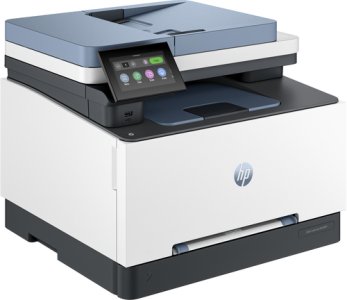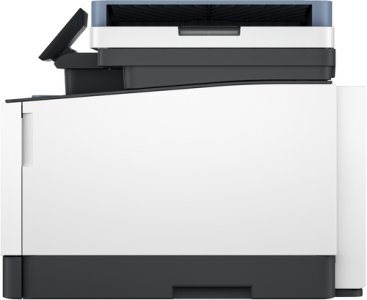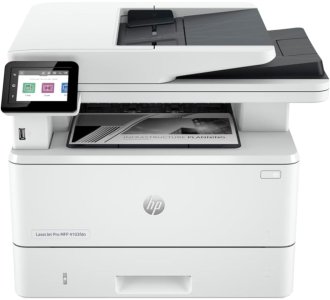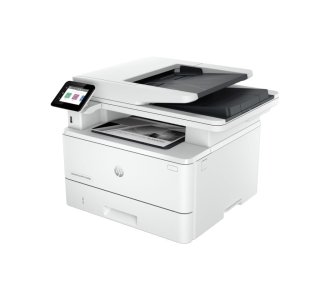

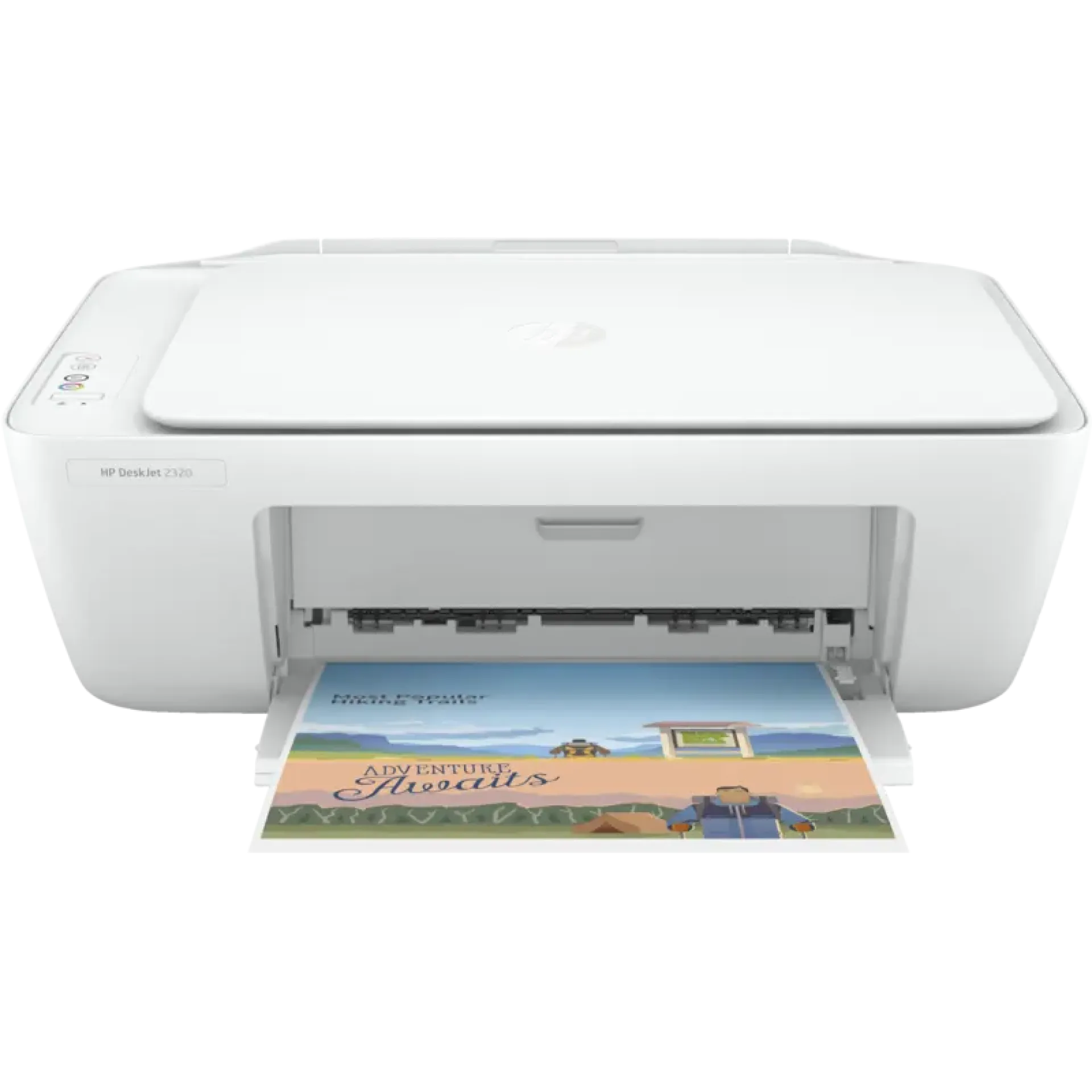
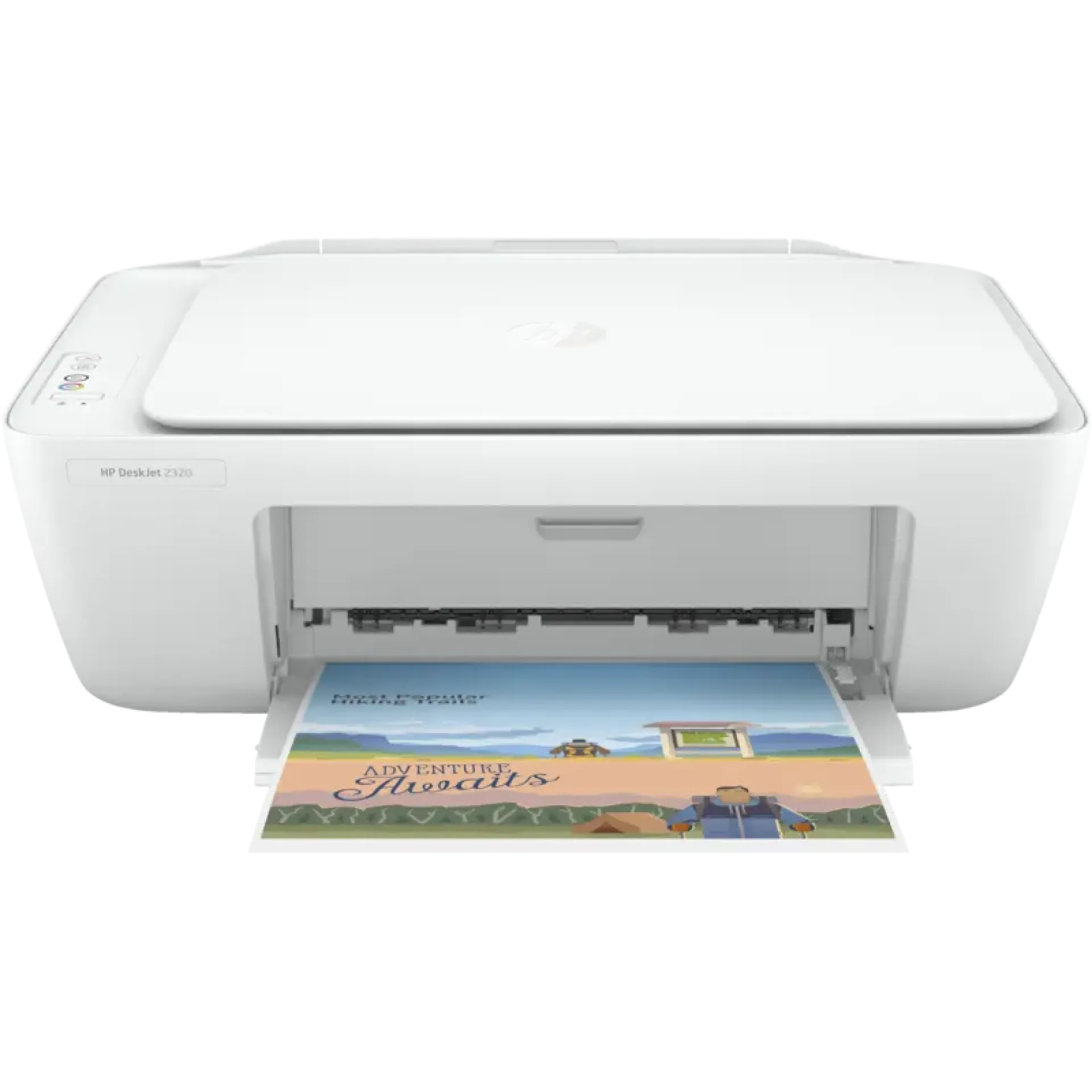
Key Features of HP DeskJet Ink Advantage 2975 All-in-One Printer
-
Print, Copy and Scan
-
HP Thermal Inkjet Technology
-
Black Print Speed – Up to 7.5 ppm
-
Colour Print Speed – Up to 5.5 ppm
-
Black Print Resolution – Up to 1200 × 1200 Rendered dpi
-
Colour Resolution – Up to 4800 × 1200 Optimized dpi
-
Flatbed Scanner – Up to 1200 dpi Optical
-
60-Sheet Input Tray
-
25-Sheet Output Tray
-
Manual Duplex Printing
-
Dual-Band Wi-Fi
-
Hi-Speed USB 2.0
-
Icon LCD Display
-
1.0GHz Processor
-
64MB DDR1 Memory
Overview of HP DeskJet Ink Advantage 2975 All-in-One Printer
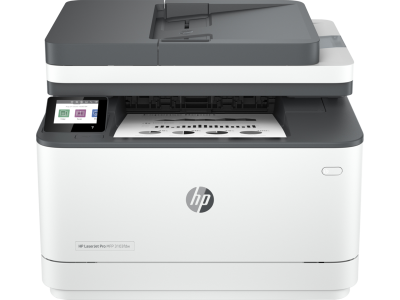
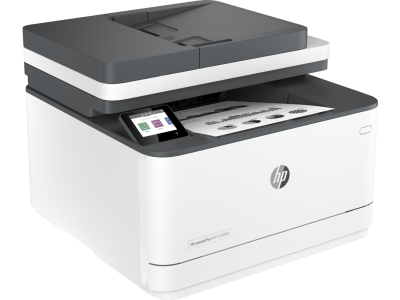
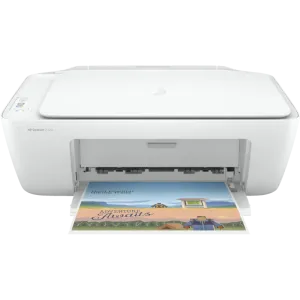
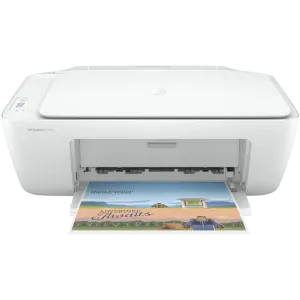
The HP DeskJet Ink Advantage 2975 All-in-One Printer is a compact colour inkjet printer designed for everyday printing, scanning and copying at home, school or in a small office. Its all-in-one design combines essential document functions in a space-saving desktop printer.
The printer provides up to 7.5 ppm black printing and 5.5 ppm colour printing, with high-resolution colour output for documents and images. It also features a flatbed scanner with up to 1200 dpi optical resolution, a 60-sheet input tray and manual duplex printing for two-sided documents.
Price of HP DeskJet Ink Advantage 2975 All-in-One Printer in Kenya
| Product | Price Range |
|---|---|
| HP DeskJet Ink Advantage 2975 All-in-One Printer | KSh 8,000 – 9,000 |
Specifications of HP DeskJet Ink Advantage 2975 All-in-One Printer
| Specification | Details |
|---|---|
| Printer Type | Colour Inkjet All-in-One |
| Functions | Print, Copy, Scan |
| Print Technology | HP Thermal Inkjet |
| Black Print Speed | Up to 7.5 ppm |
| Colour Print Speed | Up to 5.5 ppm |
| Black Print Resolution | Up to 1200 × 1200 rendered dpi |
| Colour Print Resolution | Up to 4800 × 1200 optimized dpi |
| Scanner Type | Flatbed |
| Optical Scan Resolution | Up to 1200 dpi |
| Input Capacity | 60 sheets |
| Output Capacity | 25 sheets |
| Duplex Printing | Manual |
| Display | Icon LCD |
| Processor | 1.0 GHz |
| Memory | 64MB DDR1 |
| Wireless | Dual-Band Wi-Fi |
| USB | Hi-Speed USB 2.0 |
| Mobile Printing | HP App, AirPrint, Mopria |
| Maximum Duty Cycle | Up to 1,000 pages/month |
| Recommended Volume | 50–100 pages/month |
| Dimensions | Approx. 425 × 304 × 154 mm |
| Weight | Approx. 3.42 kg |
Printing Performance of HP DeskJet Ink Advantage 2975 All-in-One Printer
-
Everyday Printing – Up to 7.5 ppm black and 5.5 ppm colour printing provides suitable performance for school assignments, letters, invoices and general household documents.
-
Detailed Colour Output – Colour printing supports up to 4800 × 1200 optimized dpi for producing clear graphics, images and colour documents on suitable paper.
-
Manual Duplex Printing – Two-sided printing helps reduce paper usage when printing longer documents.
-
Compact Paper Handling – The 60-sheet input tray provides practical capacity for light printing workloads without taking up excessive desk space.
Scanning and Copying Features of HP DeskJet Ink Advantage 2975 All-in-One Printer
-
High-Resolution Flatbed Scanner – The scanner supports up to 1200 dpi optical resolution for digitizing documents, photographs and other materials.
-
Convenient Copying – Integrated copying allows users to reproduce documents without needing a separate photocopier.
-
Versatile Document Workflow – Printing, scanning and copying are combined in one compact device for convenient home and small-office use.
-
Simple Operation – The icon LCD and straightforward controls make everyday printing and copying tasks easy to manage.
Connectivity Features of HP DeskJet Ink Advantage 2975 All-in-One Printer
-
Dual-Band Wi-Fi – Wireless connectivity allows compatible computers, smartphones and tablets to print without a direct cable connection.
-
USB 2.0 – Hi-Speed USB provides a reliable wired connection to compatible computers.
-
Mobile Printing – HP App, Apple AirPrint and Mopria provide convenient printing options from supported mobile devices.
-
Space-Saving Design – The compact desktop form factor makes the printer suitable for home workstations, student desks and small offices.
Pros and Cons of HP DeskJet Ink Advantage 2975 All-in-One Printer
| Pros | Cons |
|---|---|
| Print, copy and scan functionality | Not designed for high-volume printing |
| Compact and lightweight | Manual rather than automatic duplex |
| Dual-band Wi-Fi | No automatic document feeder |
| High-resolution colour printing | No fax functionality |
| 1200 dpi optical scanning | Small 60-sheet input tray |
| Mobile printing support | Suitable mainly for light monthly workloads |
FAQs About HP DeskJet Ink Advantage 2975 All-in-One Printer
What functions does HP DeskJet Ink Advantage 2975 All-in-One Printer support?
The printer supports printing, copying and scanning.
How fast is HP DeskJet Ink Advantage 2975 All-in-One Printer?
It provides print speeds of up to 7.5 ppm in black and 5.5 ppm in colour.
Does HP DeskJet Ink Advantage 2975 All-in-One Printer support Wi-Fi?
Yes. It supports dual-band Wi-Fi for wireless printing from compatible devices.
Can HP DeskJet Ink Advantage 2975 All-in-One Printer print from a phone?
Yes. Compatible smartphones and tablets can use supported HP mobile printing services, including HP App, AirPrint and Mopria.
Does HP DeskJet Ink Advantage 2975 All-in-One Printer support duplex printing?
Yes. It supports manual duplex printing, allowing users to print on both sides of the paper.
Is HP DeskJet Ink Advantage 2975 All-in-One Printer suitable for home use?
Yes. Its compact design and print, copy and scan functions make it suitable for home users, students and light office workloads.
Does HP DeskJet Ink Advantage 2975 All-in-One Printer have an automatic document feeder?
No. Documents for scanning or copying are placed directly on the flatbed scanner.
What is the recommended monthly volume for HP DeskJet Ink Advantage 2975 All-in-One Printer?
The printer is intended for light workloads, with a recommended monthly volume of approximately 50–100 pages.
Conclusion for HP DeskJet Ink Advantage 2975 All-in-One Printer
The HP DeskJet Ink Advantage 2975 All-in-One Printer is a practical entry-level colour printer for home users, students and small offices. Its print, scan and copy functionality, dual-band Wi-Fi, compact design and high-resolution colour output make it suitable for everyday light-duty printing.
| Shipping Cost |
|